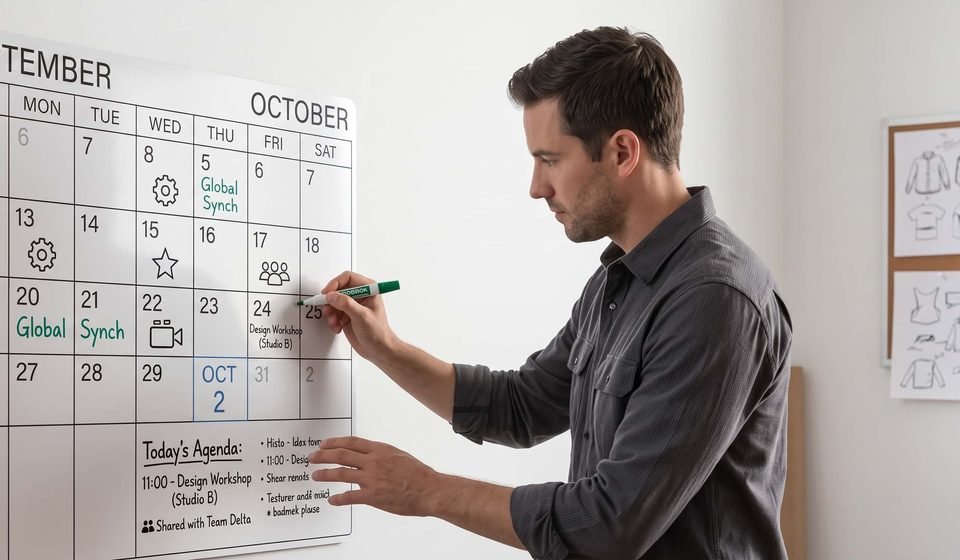
iCalendar vs Google Calendar in 2026: Hands-on Review
iCalendar vs Google Calendar: If you need cross-platform collaboration, run frequent external meetings, or rely on a stack of third-party productivity tools, go with Google Calendar. If you are fully locked into the Apple ecosystem, prioritize data privacy, and only need lightweight personal scheduling, the zero-config, ad-free iCalendar is the frictionless choice.
Because of my work, I use calendar tools practically every single day. If you’ve been tearing your hair out over the classic iCal vs GCal debate, today I am going to share my honest, hands-on take on how these two platforms actually perform.
Google Calendar vs iCalendar: Core Comparison
Before diving into the hands-on details, you can use this high-level table to quickly understand the core differences between the two in 2026.
| Feature | iCalendar (Apple Calendar) | Google Calendar |
|---|---|---|
| Core Focus | Native Apple Ecosystem | Cross-Platform Collaborative Hub |
| Platform Availability | macOS, iOS, iPadOS, watchOS (No native Android App) | Web, Android, iOS, full CalDAV compatibility |
| 2026 Pricing | 100% Free, no ads | Free for personal use; Business tiers at $6 – $18/user/month |
| AI Capabilities | Screen/SMS time extraction, Siri entry (iOS 27 Beta) | Gemini AI suggested meeting times (Premium Workspace only) |
| Integrations | System-level only (Mail, Maps, Reminders, FaceTime) | Seamless with Zoom, Slack, Trello, Notion, Flozic |
| Hidden Traps | Spam calendar invites, occasional multi-account sync delays | October 2026 policy: deleted secondary calendars are gone forever |
| Best For | Apple purists, privacy advocates | Cross-platform professionals, freelancers, growing teams |
iCalendar vs Google Calendar: Hands-On Testing in Daily Scenarios
Cross-Platform Collaboration and Third-Party Integrations
When evaluating google calendar vs icalendar in terms of ecosystem flexibility, the contrast is stark. Google Calendar clearly takes the lead if you don’t live entirely in a single device environment.
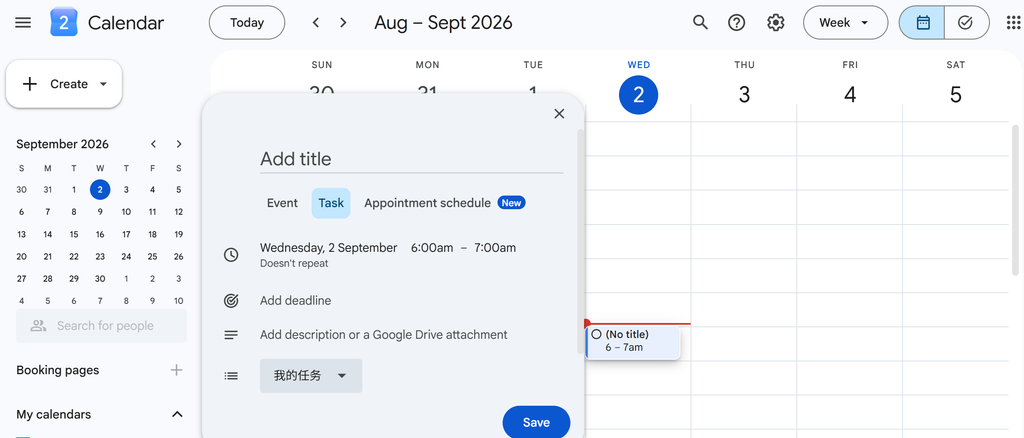
My primary work machine is a MacBook Pro, but I carry an Android phone as my daily driver. Because iCalendar lacks a native Android app, checking my schedule on the go means logging into the sluggish iCloud web interface on a mobile browser. On the other hand, Google Calendar syncs instantly across every single device I own, keeping my workflow fluid.
I even use automation tools to push my Google Calendar events directly into Slack channels, Trello boards, and Notion databases. In contrast, iCalendar is deeply bound to Apple’s own system components. Even though the Apple Mail client holds a massive 54% market share—giving the built-in calendar a massive default user base—it struggles when you need to coordinate across international teams or auto-generate Zoom links for client calls.
Visual Management and Time Blocking
For granular calendar management and visual classification, Google Calendar comes out on top. This is a recurring theme in the ical vs gcal debate: customization.
I rely heavily on the “Time Blocking” method to structure my workdays, dividing work, personal life, and side projects into distinct visual zones. iCalendar makes this incredibly difficult because it only allows you to change colors at the entire “calendar category” level. You cannot highlight a single, high-priority meeting in red without moving it to an entirely separate calendar.
Google Calendar handles visual customization much better. Its design palette supports 24 default event colors, and the web app even lets you input custom RGB hex codes, giving you access to over 200 colors. I color my deep work blocks a quiet dark gray and customer calls a bright, attention-grabbing green, making my daily energy distribution obvious at a glance.
The app also uses keyword triggers to automatically display custom illustration backgrounds (flairs) for events like “Gym” or “Dinner”. While it does not change the core functionality, it makes the mundane act of scheduling feel a little less boring.
Transit Alerts and Smart Commuting
When you compare google calendar vs icalendar from an offline or transit perspective, iCalendar genuinely has the upper hand.
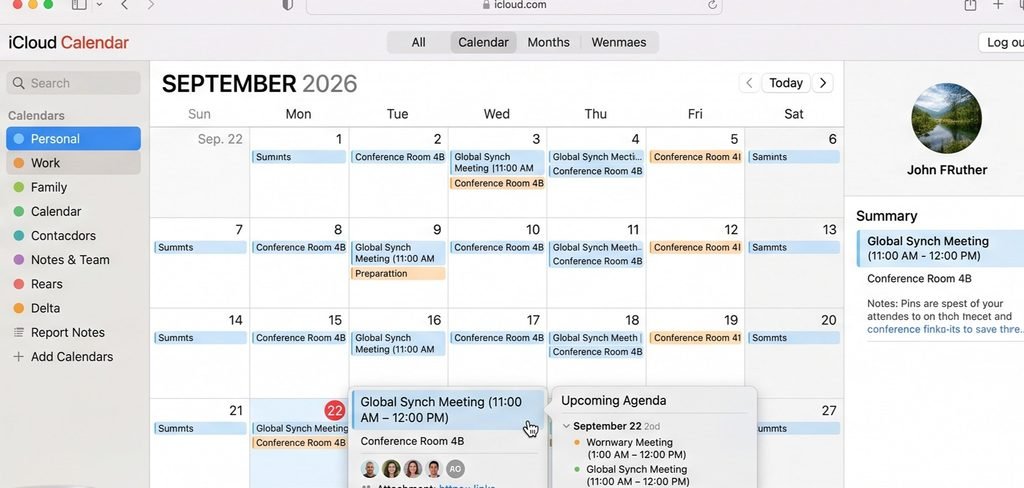
As long as you enter a physical address when creating a new event, the “Time to Leave” feature automatically integrates with Apple Maps data. It monitors live traffic conditions and transit schedules, calculating exactly when you need to walk out the door, and sends a precise alert to my Apple Watch.
Google Calendar has a location field, but its alerts are completely disconnected from live navigation. You have to manually open Google Maps or rely on fragmented Google Assistant notifications, which feels clunky when you are rushing through a busy day of physical meetings.
Real Limitations: The Hidden Frustrations Users Complain About
Before committing to either tool in the google calendar vs icalendar matchup, you should know the real-world frustrations that show up constantly on forums like Reddit and Trustpilot.
| Tool | Common User Complaints |
|---|---|
| iCalendar | Spam invite floods, unreliable notification delivery across synced accounts |
| Google Calendar | October 2026 secondary calendar deletion policy, high paywall for premium AI features |
Spam Calendar Invites and Sync Glitches
If you have ever opened your Mac or iPhone calendar only to find it flooded with random discount advertisements, you have experienced the classic iCalendar flaw. The system automatically parses and syncs .ics calendar invites by default. Even if your email provider filters the message into your spam folder, the calendar invite is still forced onto your schedule, and you cannot easily delete it without turning off the calendar sync entirely.
This is one of the most common complaints on Reddit’s Apple communities. Beyond the spam, I have run into frustrating notification sync issues where alerts simply fail to trigger. When I missed an important client call due to a silent notification, the only advice the official support community could offer was a generic “reboot your phone,” which is unacceptable for professional work.
Google Calendar’s Asset Deletion Risk and AI Paywall
If you use Google Calendar to manage shared schedules for your team, you need to watch out for an important policy shift. Starting October 5, 2026, Google is changing how it handles deleted secondary calendars. Previously, if a team member accidentally deleted a shared project calendar, you could request support to recover it; under the new policy, once a secondary calendar is deleted, it is permanently purged with no way to recover the data.
Additionally, the highly advertised AI scheduling features—like Gemini recommending the best meeting times based on participant availability—come with a steep price tag. These features are completely locked out for personal free accounts and the entry-level $6 Starter plans. You must upgrade to the $12 or $18 Business Standard tiers to use them.
Frequently Asked Questions
Can iCalendar completely replace Google Calendar in 2026?
No, not if you work with an external team or need real-time, cross-platform syncing. The closed nature of the Apple ecosystem makes iCalendar best suited for solo users who stay entirely within Apple hardware. The moment you need to coordinate with a client using Windows or Android, sharing calendars and invitations becomes a messy, disjointed experience.
Is iCalendar more private than Google Calendar?
Yes, Apple has a clear structural advantage when it comes to data privacy. Apple’s business model does not rely on ad targeting, and most of its calendar parsing and smart analysis happen directly on your local device. In contrast, Google’s business relies on parsing your behavioral patterns—like how often you travel and how dense your schedule is—to serve targeted ads as you browse the web.
How do I sync both calendars on a Mac?
It is incredibly simple: open macOS Settings, go to Internet Accounts, add your Google account, and check the box to sync Calendars. This allows you to use Google Calendar as your cloud database for syncing and sharing, while continuing to use the beautiful, native iCalendar desktop app as your daily reader and planner. It is the most popular compromise for cross-platform professionals.
When to Choose iCalendar vs Google Calendar
Choosing a calendar tool ultimately comes down to your personal workflow and daily system habits.
If your daily work stays strictly within the Apple ecosystem, you do not need to share interactive calendars with external teams, and you want absolute privacy, keeping things simple with the zero-config, ad-free iCalendar is your best move.
If you collaborate with cross-platform teams, run virtual meetings on Zoom, or want to automate your scheduling using third-party tools like Notion and Slack, you should make Google Calendar your primary hub.
If neither tool solves your scheduling headaches—or if you constantly struggle with afternoon energy slumps and do not know what tasks to prioritize—it might be time to look beyond these two legacy options. Consider trying modern AI-driven calendars like Temporal, which introduces “energy-aware scheduling”. Instead of blindly packing every open slot on your grid, it analyzes your biological focus windows (chronotypes) and automatically schedules high-effort, deep-focus work when your brain is performing at its peak.