Arcads vs MakeUGC : Best AI UGC Ad Generator Review 2026
Arcads vs MakeUGC: Which is the better AI UGC ad generator?
Let’s give you the bottom line first: If you are a well-funded SaaS or digital product team that needs to run high-volume testing with a “multi-face, multi-language” workflow, you should consider purchasing Arcads. However, if you are a budget-conscious small-to-medium seller, or have a strict requirement for actors physically holding and interacting with real products, MakeUGC is your best bet.
Hi, I’m Clara, a social media content creator in our company’s marketing department. Part of my daily routine involves creating and testing new video ads, and I love trying out different AI video generation tools—including Arcads and MakeUGC. Today, I’ll share my experience using both Arcads and MakeUGC, along with practical recommendations to help you choose the right one.
By Clara Dupont , Edited & Published By Toolvs Team
Arcads vs MakeUGC Comparison of Core Parameters
Before diving into the detailed comparison, I’ve compiled a quick reference matrix of the core parameters for both Arcads and MakeUGC:
| Evaluation Dimension & Core Parameters | Arcads AI | MakeUGC AI |
|---|---|---|
| 2026 Starting Price | ~ $110/month (Starter Plan) | ~ $59/month (Startup Plan) |
| Mid-tier / Premium Pricing | Creator Plan: $220/month; Pro Plan: $550/month | Growth Plan: $79/month; Pro Plan: $149/month |
| Trial / Promotion Mechanism | No video free trial; only a 24-hour refund for unused credits | $1 for a 72-hour full-featured trial |
| 2026 Base Video Models | Sora 2 Pro, Veo 3.1, Kling 3.0, Seedance 2.0, etc. | Seedance 2.5, Nano Banana Pro, Sora 2, Kling 2.6, etc. |
| Avatar Library Size & Plan Locking | Claims 1,000+, but Starter plan only unlocks ~300 avatars | 1,000+ with wider diversity in ethnicity & skin tone; no locked avatars across plans |
| Minimum Generation Cost per Video | ~ $11/minute (deducts 800 credits) | ~ $1 – $2/video (Standard model costs 1 credit per generation) |
| Ultra-fast Rendering Wait Time | Formally tested at ~ 2 to 3 minutes per video | Formally tested at ~ 2 to 3 minutes per video |
| Product Handling & Unboxing Interaction | Extremely weak; unboxing clipping/clashing failure rate up to 22% | Strong; “Product-in-Hand” edge-fitting is exclusive to the Pro plan |
| API Development & Agent Integration | Extremely robust; provides REST API and Claude-exclusive MCP node | Basic; only available in API or Enterprise plans |
| Built-in Video Editor & Timeline | None; requires external software like CapCut for post-production | Extremely basic; only supports simple trimming, background music, and subtitles |
| Cancellation Rules & Auto-renewal | Must manually cancel 72 hours in advance, or auto-renews | Must manually cancel billing in the dashboard during the 72-hour trial |
| Copyright & Data Privacy | Grants non-exclusive license only; default settings use script data for model training | Full copyright ownership; user data can opt-out of model training |
MakeUGC vs Arcads Comparison Across Three Scenarios
I will discuss these two tools based on real-world test cases from my own projects.
Arcads vs MakeUGC: Efficiency
Winner: Arcads
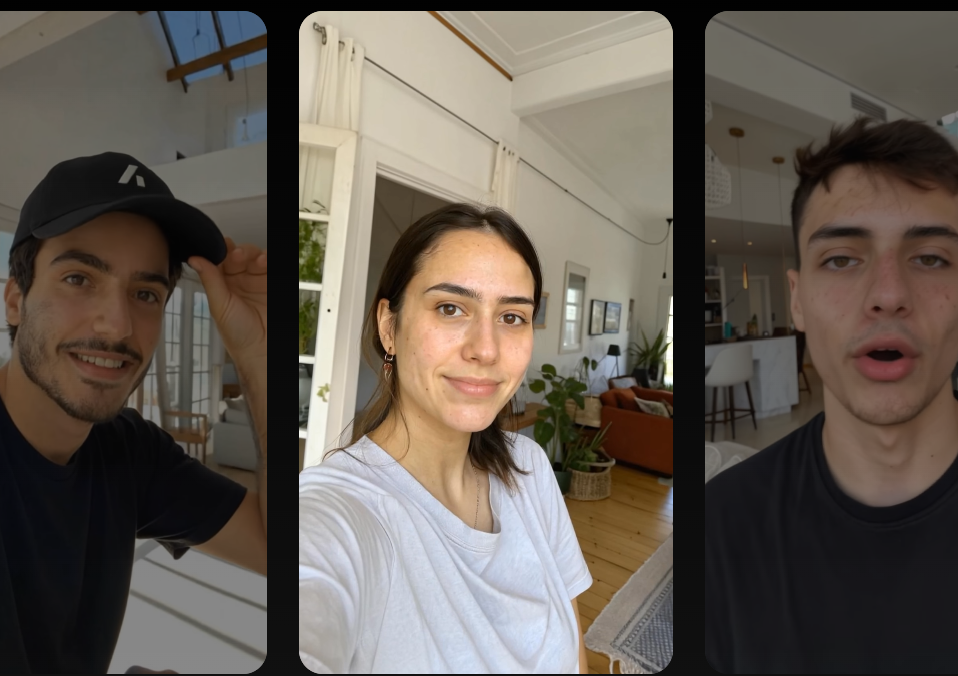
In 2026, Arcads completely overhauled its workflow dashboard. Typically, I only need to supply a single written script, drag and drop nodes in the visual panel, and I can distribute it to dozens of different actors and translate it into over ten languages in one click—rendering hundreds of variable videos in a single run. It also offers an exceptional REST API and a dedicated Claude MCP node, enabling code-driven bulk video generation.
In contrast, although MakeUGC has added a bulk generation mode, its script editor remains a crude text box that lacks even basic scene-by-scene previewing and timeline controls. When running bulk tests on MakeUGC, we have to copy scripts and select models manually and repetitively. Furthermore, if a script slightly exceeds 90 seconds, the latter half of the video suffers from severe audio-to-video desynchronization and heavy lip-sync drift.
Arcads vs MakeUGC: Micro-Expression Realism
Winner: MakeUGC
When it comes to the realism of pure talking-head micro-expressions, MakeUGC’s OmniHuman micro-expression model delivers far more natural detail and feedback. In my actual testing, I used MakeUGC’s OmniHuman mode to generate a promotional video for an affiliate course. The actor’s blinking frequency and subtle eyebrow twitches were incredibly natural. This high-fidelity quality makes it so that about 80% of average social media users scrolling through their feeds won’t notice it’s AI-generated at all.
On the other hand, while Arcads can be highly realistic in some instances—such as its classic actor Vincent, whose background even features passersby—nearly 30% of its regular avatars (like Helen) still carry a noticeable “AI accent” and feel stiff. According to our multi-round test statistics, only the top 20% of Arcads’ Pro-tier actors can truly pass the social media “fast scroll test” without feeling uncanny.
Arcads vs MakeUGC: Hand-to-Object Interaction
Winner: MakeUGC
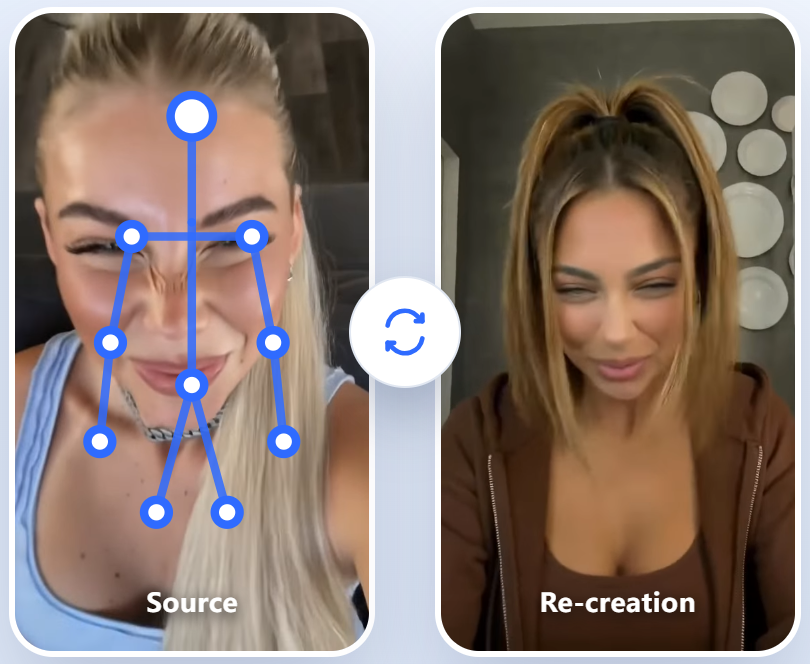
Whenever physical product showcases and hands-on product interactions are involved, MakeUGC almost completely outclasses Arcads. Arcads is fundamentally built around the logic of “a person talking to the camera”; once they need to hold, open, or demonstrate a physical item, the visuals become highly unstable.
Using their “Unboxing POV” template, we uploaded a beautiful photo of a brown glass dropper bottle for our “GlowSip Active Serum.” In the rendered video, when the AI actor handed the serum toward the camera, their fingers clipped directly through the glass bottle. The edges around the fingers holding the dropper were extremely blurry, and the dropper cap even hovered and drifted mid-air above the palm.
The clipping and failure rate for such detailed hand interactions on Arcads is as high as 24%. To avoid wasting precious monthly credits, I had to crop an 18-second clip of raw, glitched footage down to just 5 seconds in post-production, keeping only the talking-head portion without the product.
Conversely, MakeUGC’s “Product-in-Hand” feature is significantly more reliable. It utilizes multi-model algorithms to perform deep edge blending on complex dropper bottle photos, making the serum bottle look like it is naturally “growing” from between the AI actor’s fingers. Its algorithm can even identify the physical pressure points of the fingers grasping the bottle, rendering realistic hand shadows on the label.
This level of realism is incredible and perfectly highlights my hands-on experience: Arcads is great for online courses, SaaS, and other digital products that don’t require physical demonstrations, whereas MakeUGC is a lifesaver for DTC beauty and consumer goods brands.
Summary Matrix:
| Evaluation Dimension | Arcads | MakeUGC |
|---|---|---|
| Workflow Efficiency | Extremely High (Winner): Supports highly intuitive node-based workflows; cloning and bulk distribution are incredibly smooth. | Relatively Low: The script editor is barebones, and longer scripts (>90 seconds) suffer from severe lip-sync drift. |
| Visual Realism | Mediocre: High variance in avatar quality; standard actors look stiff, and only Pro-tier actors can pass the fast scroll test. | Extremely High (Winner): Under OmniHuman mode, eye contact and eyebrow micro-expressions are natural and free of stiffness. |
| Product Interaction | Extremely Poor: Lacks authentic hand-held product rendering; unboxing POV has a 22% clipping failure rate, leading to massive wasted credits. | Strong (Winner): Supports “Product-in-Hand” with clean edge-fitting and simulated grasping physics. |
Arcads vs MakeUGC: Real Limitations & Hidden Drawbacks
The Billing & Timing Trap: Arcads
Before typing in your credit card details, you must watch out for Arcads’ highly aggressive pricing and credit deduction policies:
- Strict Round-Up Billing: Arcads rounds up generation time to the nearest minute. This means if you render a short 15-second video hook, the system will deduct a full minute’s worth of credits (800 credits) from your account. If you subscribe to the $110 Starter plan (which only provides 8,000 credits, or about 10 minutes of video total), just ten 15-second tests could completely wipe out your entire monthly allowance before you know it.
- Strict Cancellation Policy: Its terms of service dictate that you must manually cancel your subscription at least 72 hours before the renewal date, otherwise you will be silently billed for the next cycle. Trustpilot is filled with 1-star reviews from angry users who were auto-charged $339 or even $447, with customer support taking over 15 days to reply and ultimately denying refunds.
MakeUGC’s Trial Conversion Trap
MakeUGC uses a very attractive “$1 for a 72-hour trial” hook, but this also requires extreme caution:
- Restricted Trial Features: The unlimited generation feature is completely locked during the trial period—it only becomes active after you are charged the full plan fee. Once the 72-hour trial ends, the system automatically and seamlessly charges you the full price of your selected plan (minimum $59, or $149 for the Pro plan).
- Model Restrictions on Starter Plan: Although the Startup plan provides 500 credits, access to premium base models is heavily restricted. You must upgrade to the Growth plan or higher to unlock all premium models.
- Opaque Credit Consumption: You might expect each video to cost 1 credit, but if you enable OmniHuman mode or 1080P high-definition rendering, the system quietly deducts multiple credits. Crucially, there are no pop-up warnings or confirmations to tell you how many credits will be deducted when you click the generate button.
Summary Matrix of Drawbacks:
| Evaluation Dimension | Arcads | MakeUGC |
|---|---|---|
| Billing Traps | Nearest-Minute Round-Up: A 15-second clip is billed as 1 full minute; no video free trial is available. | Opaque Credit Deductions: Enabling HD rendering or OmniHuman multiplies credit costs without pop-up warnings. |
| Usage Restrictions | Avatar Tiering: Starter plans lock out premium actors (only ~300 unlocked); no built-in editor. | Restricted Models: Startup plan blocks access to premium model libraries; script editor is overly simplistic. |
| Cancellation Policy | Must manually cancel 72 hours in advance, or face auto-renewal bills worth hundreds of dollars. | The $1 trial auto-renews to full pricing; you must manually cancel billing before the trial ends. |
FAQ in MakeUGC vs Arcads
Does AI UGC actually work for paid ads, or is it too uncanny?
Our test data shows that AI UGC does work, but only if you use it for “Face Testing” (finding the right actor) rather than as your final, end-to-end ad creative.
My highly recommended strategy is this: Use Arcads or MakeUGC to bulk-generate 20 different actor variations for just the first 3 seconds (the Hook). Once you identify a winning variable whose click-through rate (CTR) beats the benchmark, send that exact script to a real human creator for a high-quality, 1:1 professional shoot. This “AI rough-cut testing + human high-fidelity filming” approach not only saves you over 8% in wasted test-shoot costs but also completely bypasses the conversion drop-offs caused by stiff AI expressions in longer-form videos.
HeyGen vs MakeUGC vs Arcads: Which is best for Meta and TikTok ads?
Choose HeyGen if you need meticulous brand localization, long-form explainer videos, or highly customized personal avatars. Choose Arcads or MakeUGC if you need high-volume testing and rapid creative iteration to combat ad fatigue.
HeyGen’s lip-syncing and facial texture represent the industry gold standard, but its high subscription cost and slower rendering times make it impractical for performance marketers who need to churn out over 10 creative variants daily. Arcads and MakeUGC, on the other hand, are built entirely for performance ads (TikTok Spark Ads / Meta Feed). They boast ultra-fast rendering (2-3 minutes per video) and host massive libraries of average, everyday faces designed specifically to help media buyers flood the ad pixel with fresh variables.
Is Arcads or MakeUGC worth the cost? Let’s calculate the real price-per-video.
If you only look at the face-value pricing, MakeUGC wins hands down. However, when you factor in failure rates and time spent curation, they are practically neck-and-neck.
Arcads costs about $110/month for 8,000 credits, translating to roughly $11 per video—and because of the “rounded up to the nearest minute” rule, the cost of glitched, unusable videos is very high.
MakeUGC’s Startup plan ($59/month) works out to less than $1.5 per video on paper. However, in our tests, because the entry-level plan locks out premium models, the output quality was often subpar with severe lip-sync drift. The actual “usable rate” for running ads was only around 50%, bringing the true test cost closer to $3 per video.
How to cancel MakeUGC or Arcads subscription and request a refund?
This is the area with the loudest complaints on Trustpilot and Reddit: You must cancel manually, and do not expect a refund under any circumstances.
For MakeUGC, while its $1 trial is tempting, many users report being auto-charged the full plan immediately after the 72 hours end. If you request a refund, support will either deduct fees proportionally based on credits consumed or simply reject your request outright.
The Final Verdict of Arcads vs MakeUGC Review
Choose Arcads if:
Your core strategy revolves around testing dozens of different everyday faces across multiple ethnicities with the same script to combat ad fatigue, and you have an ample marketing budget.
Choose MakeUGC if:
You are a budget-conscious Shopify or dropshipping seller, or a small team with an absolute, non-negotiable need for high-fidelity “actors holding and showcasing your physical products.”
Skip Both and Look Elsewhere if:
Your high-converting creatives rely heavily on raw, natural, and highly expressive human emotions (like crying, deep laughter) or highly intricate physical unboxing hand gestures.
For high-emotion or highly physical UGC, AI actors still fall short. I recommend going to Fiverr to find real human UGC creators who can do hands-on product demos, or looking into alternative solutions like Shhots AI (starts at just $19/month with no minute-rounding traps) or Clout AI (which focuses on building and managing long-term, exclusive AI virtual influencer personas) rather than banging your head against these automated ad factories.
Still exploring? Check out our other related comparisons below:
Revid vs HeyGen: AI Video Generator Honest Review